Welcome to
DailyJigsawPuzzles!
Create custom puzzles from your photos or explore our massive collection of stunning nature, art, and abstract categories.
Relax, solve, and share.How it works
Our intuitive interface makes creating and solving puzzles a breeze.
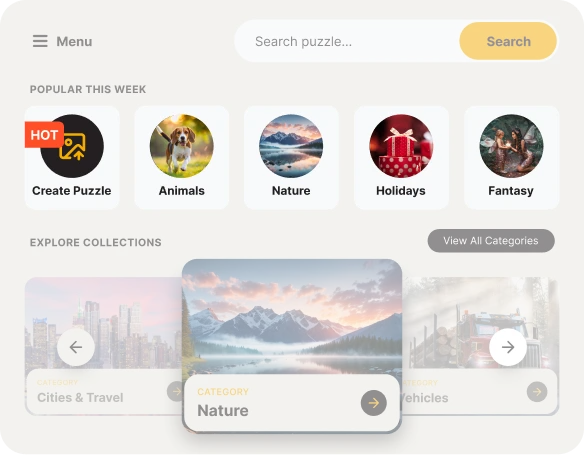
Discover or Design Your Next Puzzle
Explore top puzzle categories or make a personalized puzzle from your own photo. Solve, unwind, and share anytime.
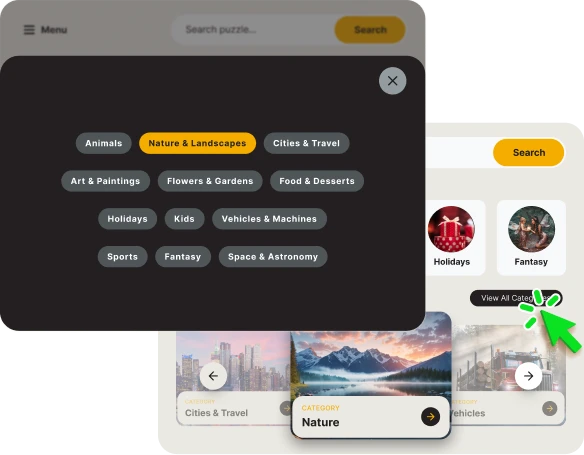
Discover Puzzle Categories
Discover featured puzzle categories and click to explore all available puzzles.
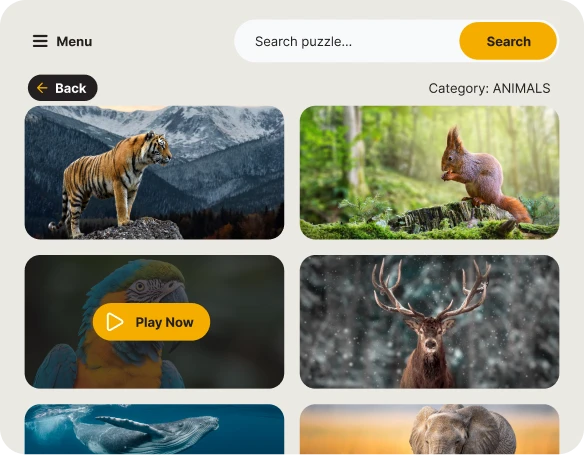
Find the Perfect Image
Browse images in this category and choose your favorite to begin the puzzle.
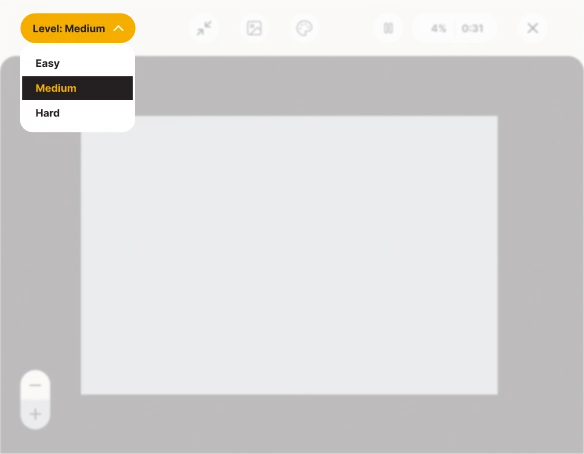
Choose Difficulty
Select how challenging you want the puzzle to be: Easy, Medium, or Hard.
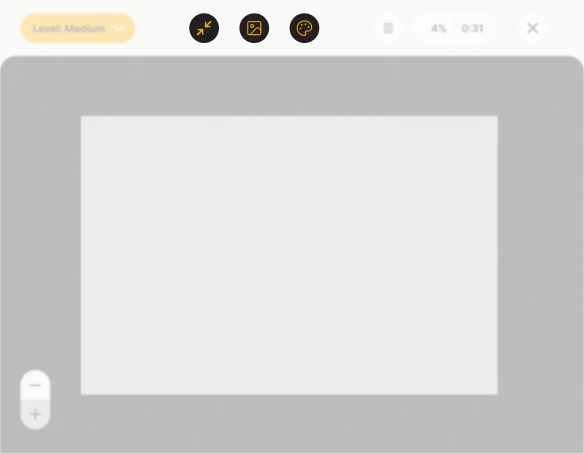
Customize Your Puzzle
Customize your puzzle experience—open in full screen, view a sample image, and choose a background color.
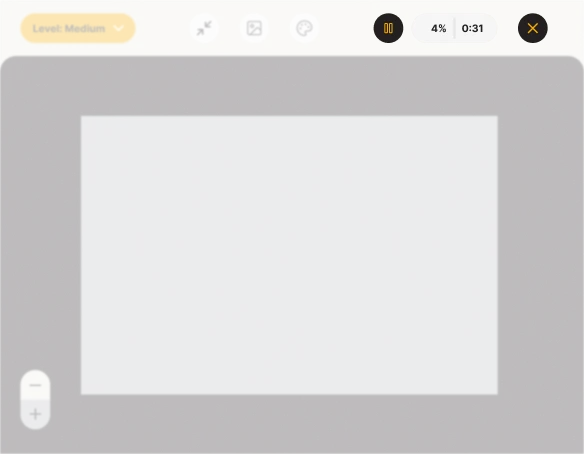
Game Controls
Pause the timer or leave full-screen mode whenever you want.
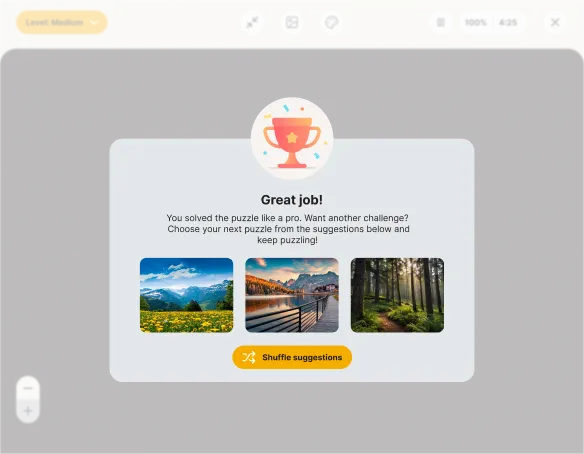
Choose Your Next Puzzle
Select a suggested puzzle or tap Shuffle Suggestions to discover something new.
Getting started
Learn how to access, restore, or disable the widget and manage sponsored content.
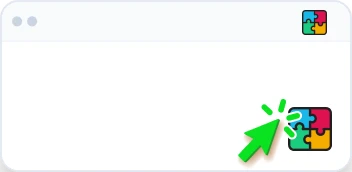
Opening the widget
Get started with DailyJigsawPuzzles in just one click!
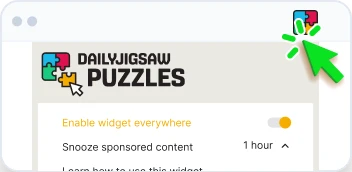
Reactivate the widget
Click on the DailyJigsawPuzzles icon located at the top right of your browser. Select "Enable widget everywhere" from the menu that appears.
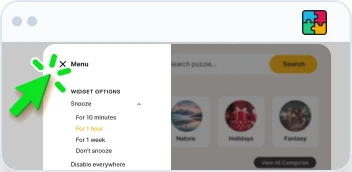
Disable the widget
To hide the extension button from the page, click on the settings icon to access more options.
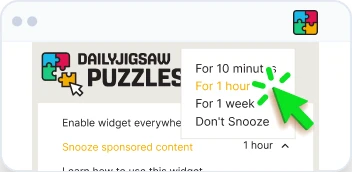
Disabling sponsored content
To turn off sponsored content, click “Snooze sponsored content” and choose a duration.

How we use current page information
To offer the Play Puzzles from Site feature, the extension reads the URL and title of the page you are viewing.
This helps it recognise compatible puzzle pages, so you can start playing their puzzles directly in DailyJigsawPuzzles.